2.4.3 Focus order
To make navigation with the keyboard or a screen reader easy it’s very important that focus moves through the content in a logical order. The most robust way of doing this is usually through the DOM-structure.
General issues
Focus should move from the notification button to the area it opens, move through the interactive elements there, and then move to the next icon to the right of the notification button. But it skips straight to the user button, as shown in the screenshot below.
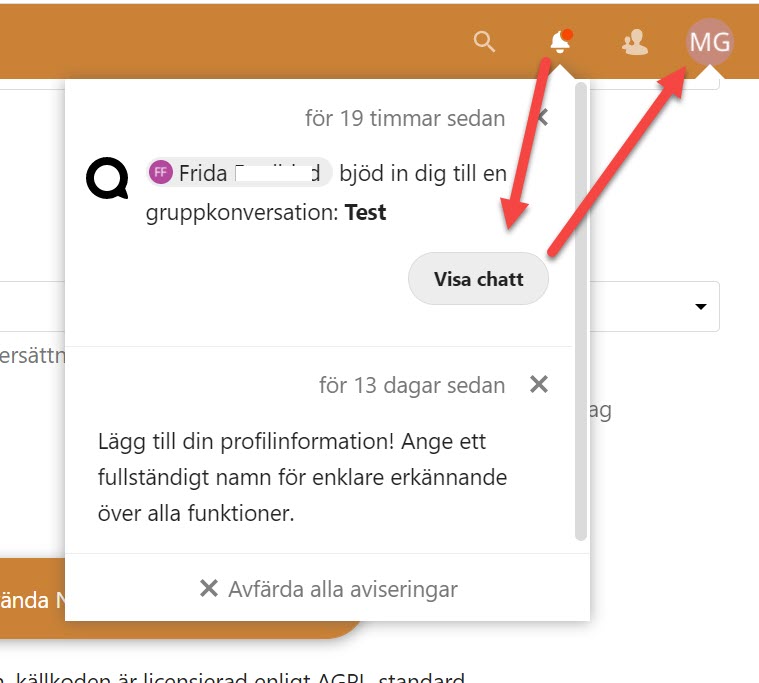
With the notification area closed focus moves in a different order here, though it’s still not correct. As shown in the screenshot below when it comes to the items on the right it starts with the notification button, which isn’t the first one. After that, it moves left to right.
It should start with the search button here, not jump around.
As we were testing these changes were implemented, but there were still issues with the focus order. Make sure focus always moves in a logical and predictable way.

The side menu is open to keyboard navigation, even when it’s closed visually. This makes it harder to use the interface. Make sure that any parts of the interface that are closed aren’t possible to navigate into the keyboard instead of just hiding them visually.
Modals
One issue that can occur here is when a modal is opened but focus isn’t handled properly. In a modal, focus should be set in the modal when it’s opened, and it should stay inside the modal until the user closes it.
However, modals aren’t handled properly here, making it very hard to navigate them with the keyboard, and users with very low vision might not realize that the modal is open at all.
In the examples below focus is not moved to the modal window and the background is still accessible for screen reader users because the background content is not hidden correctly in the code. That means that keyboard users can access interactive content in the background behind the overlay.
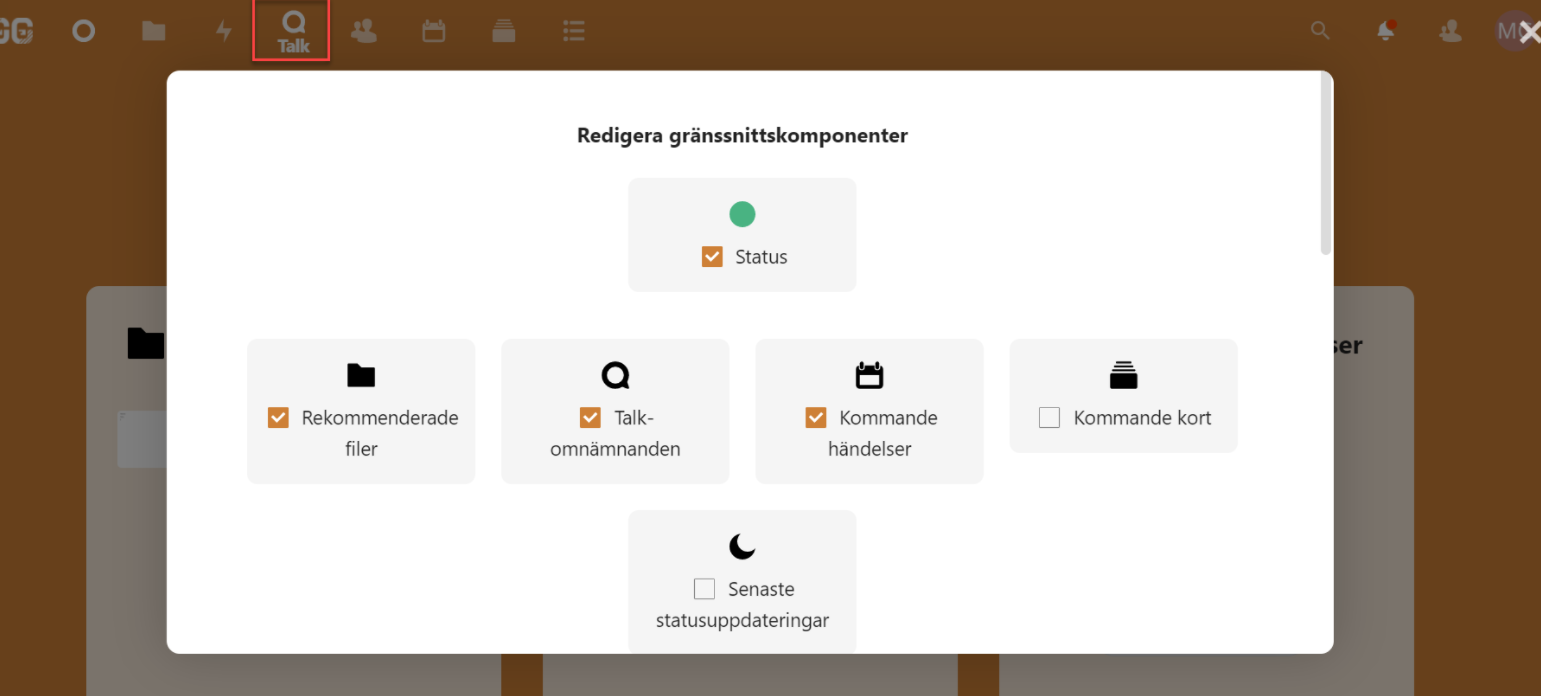
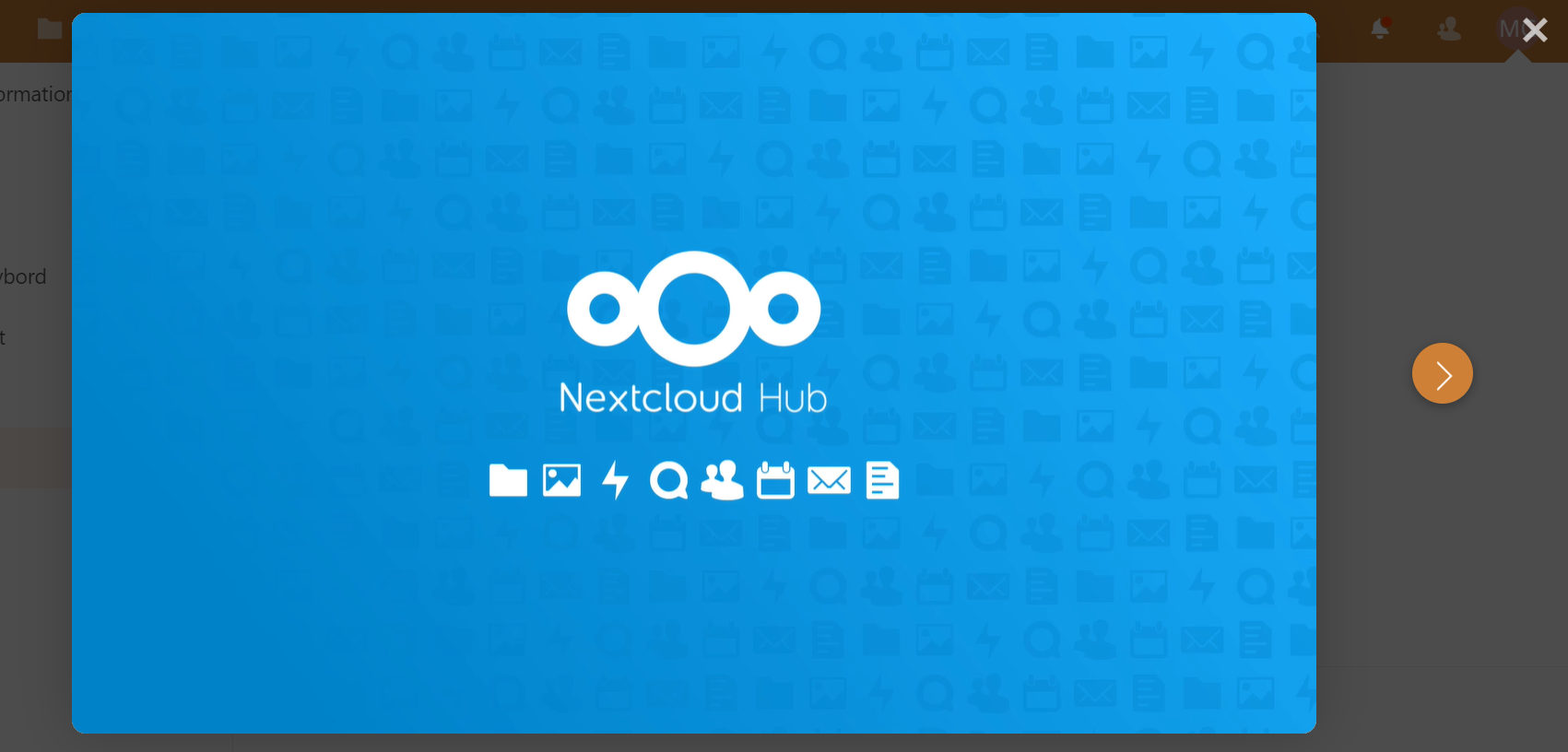
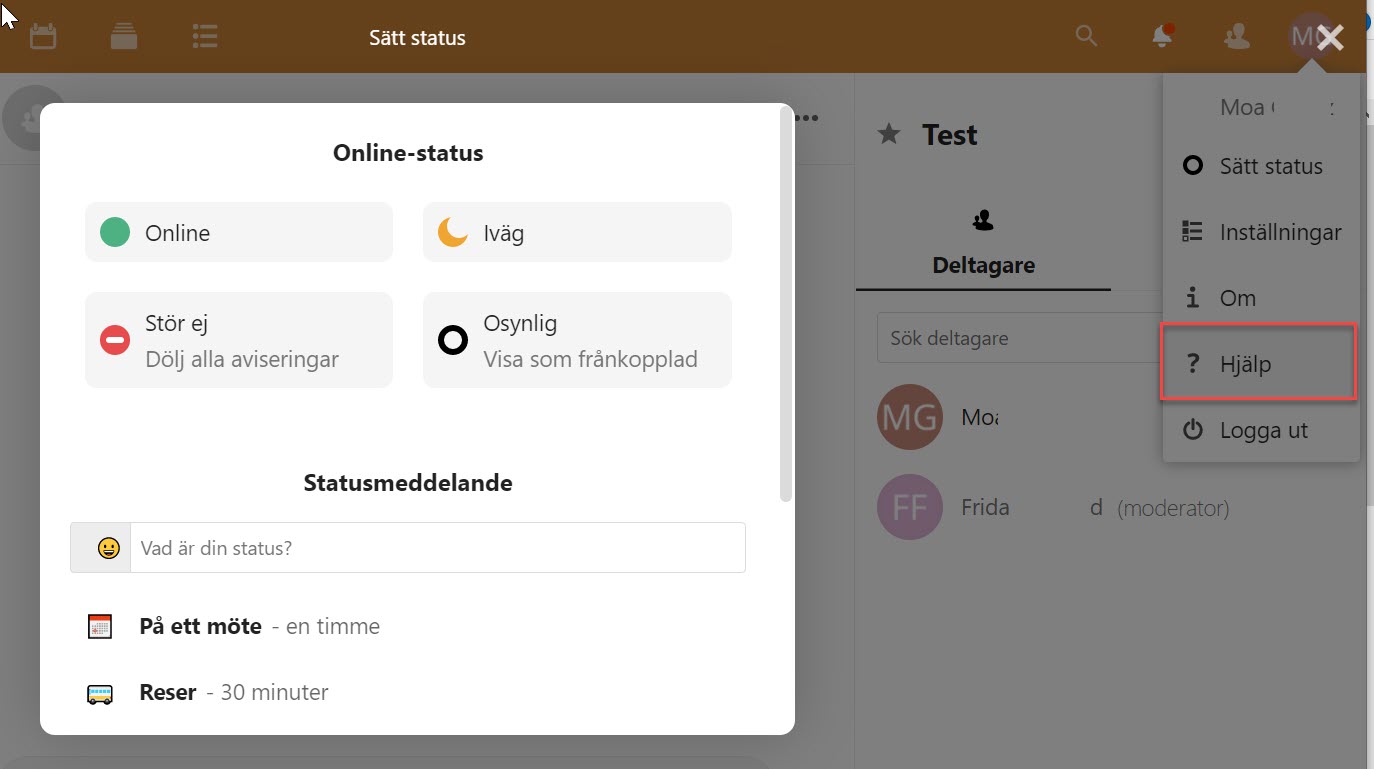
These were three examples of incorrect focus order on modals, but this needs to be improved for all modal windows.
This is a very serious issue for affected users. Modals can be a great way to help the user focus on an important task, but they need to be built correctly or you will lock some users out from using the service.
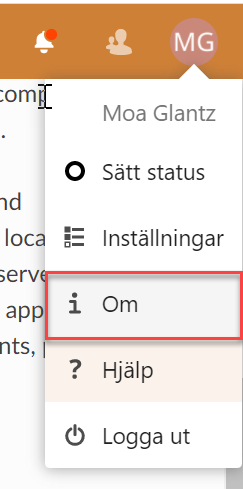
When activating “Om” in the user menu a modal window opens that is not possible to reach with keyboard navigation. When navigating with the tab key focus moves behind the modal, where the user can’t see what happens.
Filer app
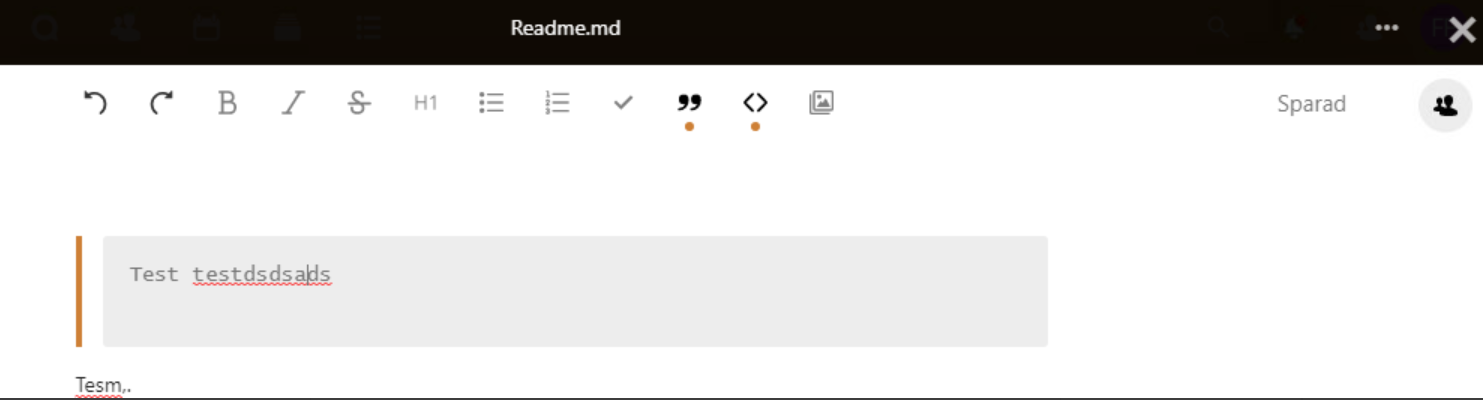
When opening and editing a file a full screen modal opens. But focus remains in the background and the user needs to tab through all the contents in the background without seeing what they’re doing to get to the modal. Most users won’t reach the modal, they’ll assume it’s not possible to reach.
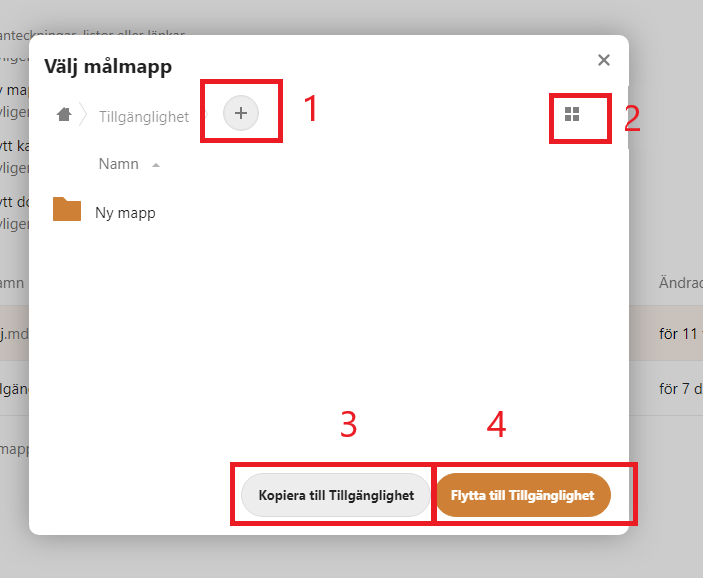
It’s possible to reach the modal for copying and moving folders, but the focus order isn’t logical. Focus begins at the link for adding a folder and skips some interactive elements. It’s also possible to navigate outside of the modal, which shouldn’t be possible.
Deck app
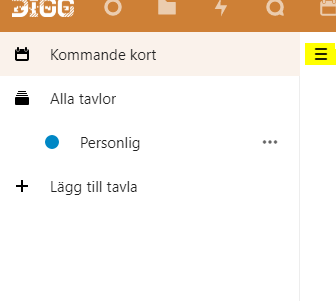
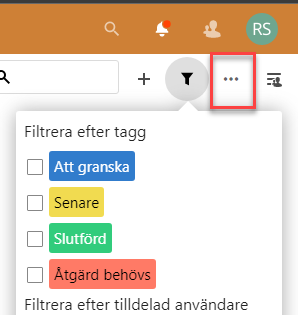
When the menu that is shown in the screenshot below is open the focus order should move from the button that opened it, into the menu, and then once it’s gone through all the interactive elements there it should move to the next button in the top menu.
Unfortunately, the focus does not move into the open menu at all, instead of moving to the next button in the top menu.
This open menu is placed incorrectly in the DOM-structure, making it very hard to reach for users who navigate with the keyboard, but especially for users who can’t see that the menu is open.
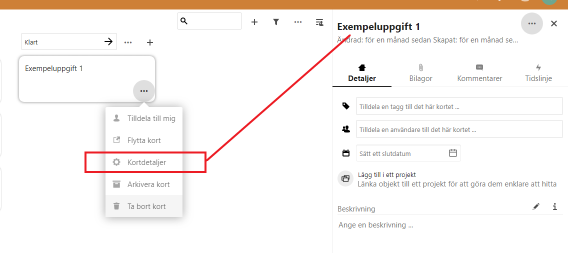
When the user activates the button “Åtgärder” on a card, and then chooses “Kortdetaljer” a menu opens up on the right side of the viewport. But screen reader users are not informed of this, so they have no way of knowing that a new area has been opened.
When this area opens, move focus to it. That will make it possible to use for screen reader users, while also making it easier for all those who navigate with the keyboard.
Kalender app
In desktop mode “Ny händelse” is opened as a modal window. Focus is placed in the windows as it should, but in other places, similar functions aren’t handled correctly.
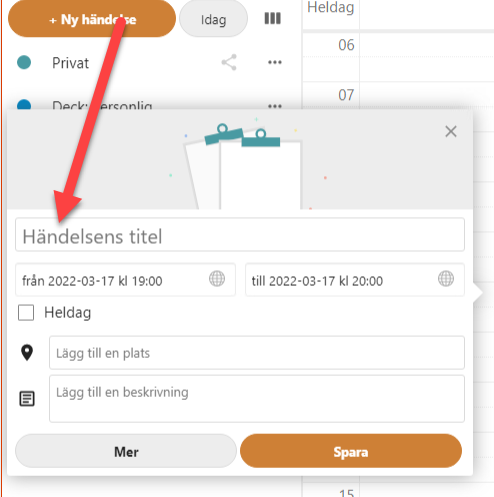
When booking a time for a meeting with a colleague there’s a function for checking availability which opens a modal window. Focus is not moved into the modal but to the “Spara” button.
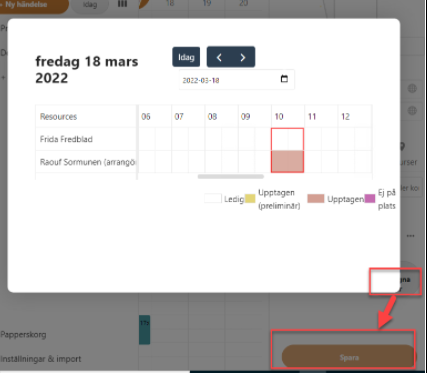
Formulär app
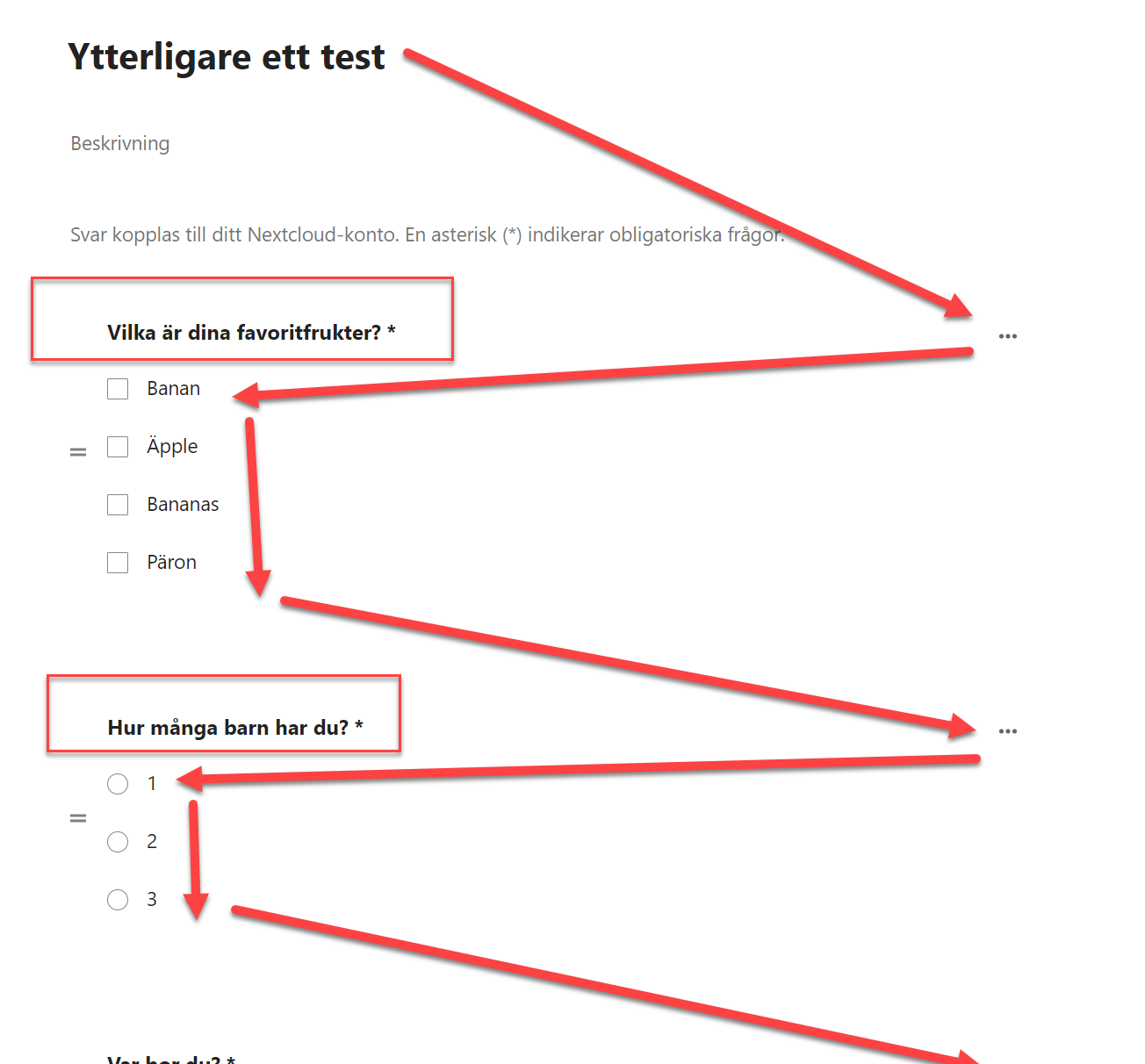
When adding checkboxes to a form there’s an issue with focus order. When we opened the options for the question focus moved through the options as expected, but after that, it jumped to higher up on the page.
When finished moving through an opened area such as this focus should move to the next interactive object after the one that opened the area. It should not jump to a completely different part of the page.
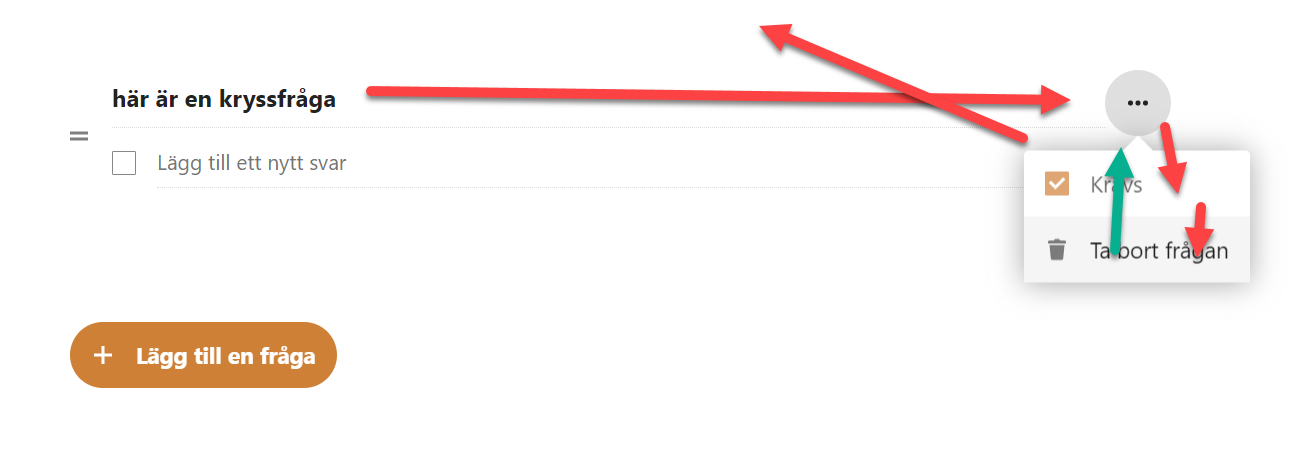
The headings in the form are interactive but aren’t possible to use with the keyboard. When you make them interactive for keyboard users, take care that they’re placed logically in the focus order.
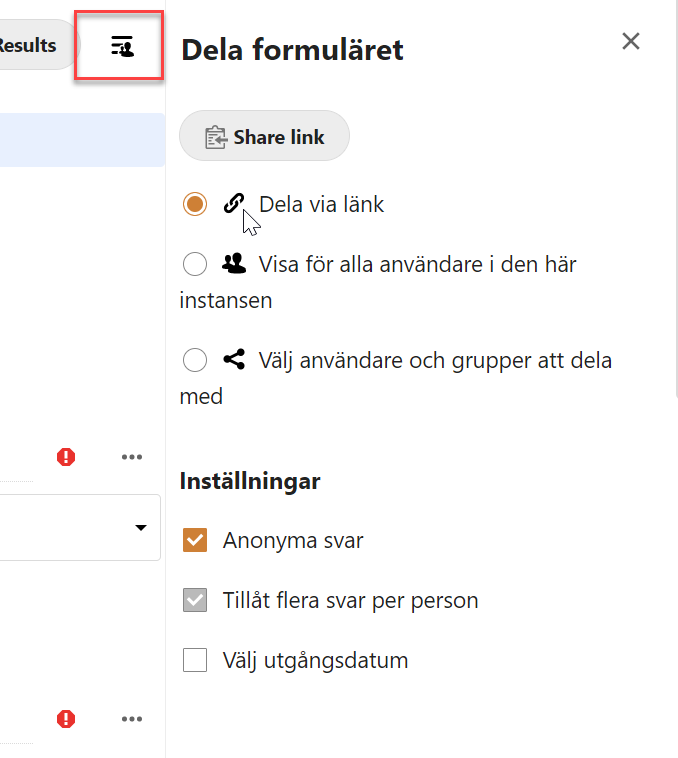
When opening the fly-out in the form focus isn’t moved into the new area, but back to the main content.
Best practice when opening a modal:
- Place focus in the modal window
- Implement a keyboard focus loop while the modal is open, so that the user cannot tab to elements outside of the area
- Hide all background content from screen readers with
aria-hiddenwhile the modal is open - Test to make sure it works as it should
- For more information, refer to the WAI-ARIA 1.2 Authoring practices pattern for dialogs